How to enter Recovery Mode – iPhone, iPad, or iPod Touch
When your iPhone, iPad, or iPod Touch becomes non-responsive and hard resetting, using the both Home and Power buttons, is not helping either then it’s time to connect it to iTunes and see if it responds. If the device is non-responsive even after connecting to iTunes, it’s time to put your iPhone, iPad, or iPod Touch…
How to put in DFU mode – iPhone, iPad, and iPod Touch
DFU or Device Firmware Upgrade mode of iPhone, iPad, or iPod Touch is different from the recovery mode. If you are experiencing restore problems with iTunes, you should try restoring your device after putting it in DFU mode. What DFU mode does is that it bypasses the operating system installed on iPhone, iPad, or iPod…
How to check iOS version – iPhone, iPad, and iPod Touch
There are situations when you might need to check what version of iOS your iPhone, iPad, or iPod Touch is running. For instance, when jailbreaking your iOS devices, it’s very important to know the version of iOS on your device before proceeding with the jailbreak process. Similarly, when downloading a new app and you want…
How to Install Windows 10 on VirtualBox
Microsoft Windows 10 has officially been released to masses and the good thing is it is a fairly solid operating system. Windows 10 is not perfect, but it’s giving it a shot for the novelty factor alone. However, it is not advised to immediately install a newly released operating system on your production machine. For…
How to backup iPhone, iPad, or iPod Touch on iCloud or iTunes
You can take a backup of your iPhone, iPad, or iPod Touch either using iTunes or on iCloud. It’s always a good idea to backup your iOS device on the regular basis as it may save you lot of trouble if your device fails, a software update goes wrong, or the device gets lost. Apple…
How to enable Windows 10 dark theme
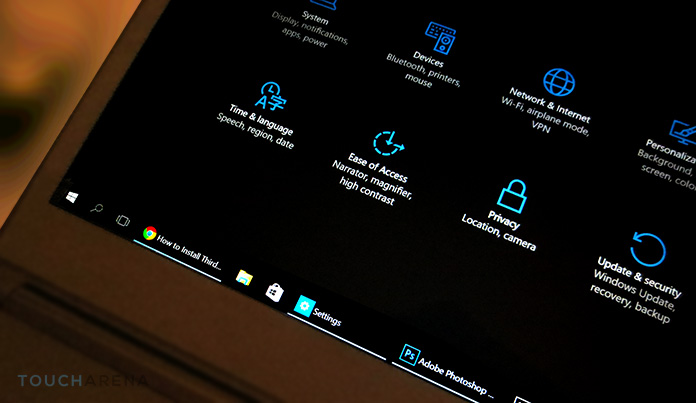
The all new Windows 10 uses a white theme by default from its backgrounds of system apps to the title bars. However, Microsoft has not forgotten those who want to give their Windows 10 a darker look.
Download iOS 8.4.1 IPSW for iPhone, iPad, and iPod Touch
Here are the direct download links for iOS 8.4.1 IPSW software update for iPhone, iPad, and iPod Touch. You can download iOS 8.4.1 for your desired compatible iOS device from the links provided at the bottom of this article.
Download iPod Touch iOS IPSW – Software Updates
Download links to all the iPod Touch iOS IPSW files can be found on this page. All the official iOS software updates for complete iPod Touch line can be found below.
Download iPad iOS IPSW – Software Updates
On this page, you’ll find direct download links for iPad iOS IPSW software update files for all the iPad devices that Apple has launched into the tablet market so far. Scroll down and find your desire iOS firmware files, right-click on the download link, and click on “Save link as” to begin the IPSW download process.
Download iPhone iOS IPSW – Software Updates
Here we’ve aggregated links to download iPhone iOS (.IPSW) software update files for all the iPhone models that Apple has released to date. Simply right-click on the link next to the iOS firmware file that you want to download and click “Save link as” to get the IPSW file for your iPhone device.